Select a tile
Tap a tile in the tray to select it. The selected tile is highlighted and becomes ready to rotate, flip or drag.
Fit every tile into the board. Select, rotate and flip the tiles until the complete board is filled.
BrickLock is easy to pick up: choose a tile, change its orientation if needed, then place it where it fits. If you need help, the hint system can guide you without taking away the satisfaction of solving the puzzle yourself.
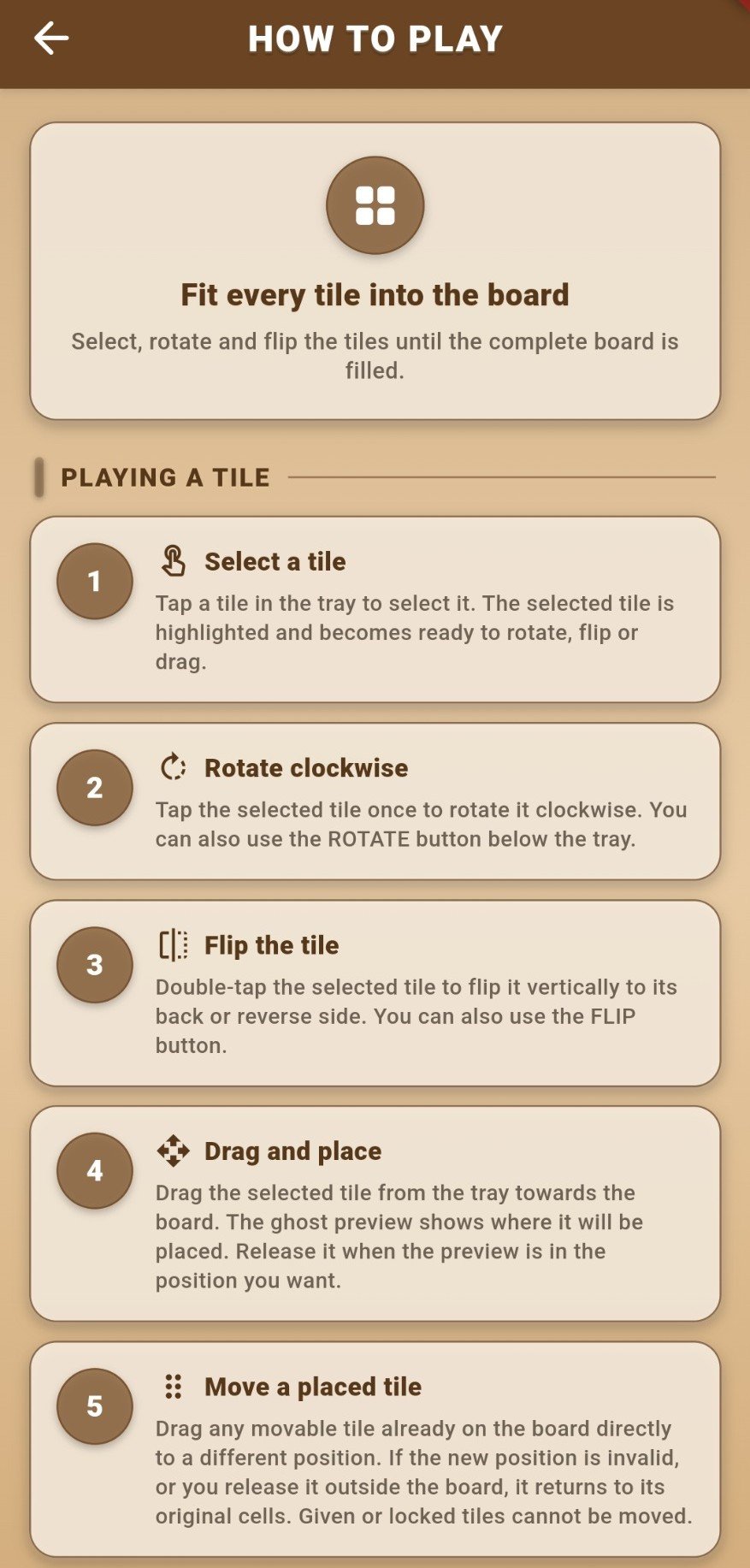
Tap a tile in the tray to select it. The selected tile is highlighted and becomes ready to rotate, flip or drag.
Tap the selected tile once to rotate it clockwise. You can also use the ROTATE button below the tray.
Double-tap the selected tile to flip it vertically to its back or reverse side. You can also use the FLIP button.
Drag the selected tile from the tray towards the board. The ghost preview shows where it will be placed. Release it when the preview is in the position you want.
Drag any movable tile already on the board directly to a different position. If the new position is invalid, or you release it outside the board, it returns to its original cells. Given or locked tiles cannot be moved.
Tap a tile already on the board to return it to the tray. Given or locked tiles cannot be moved.
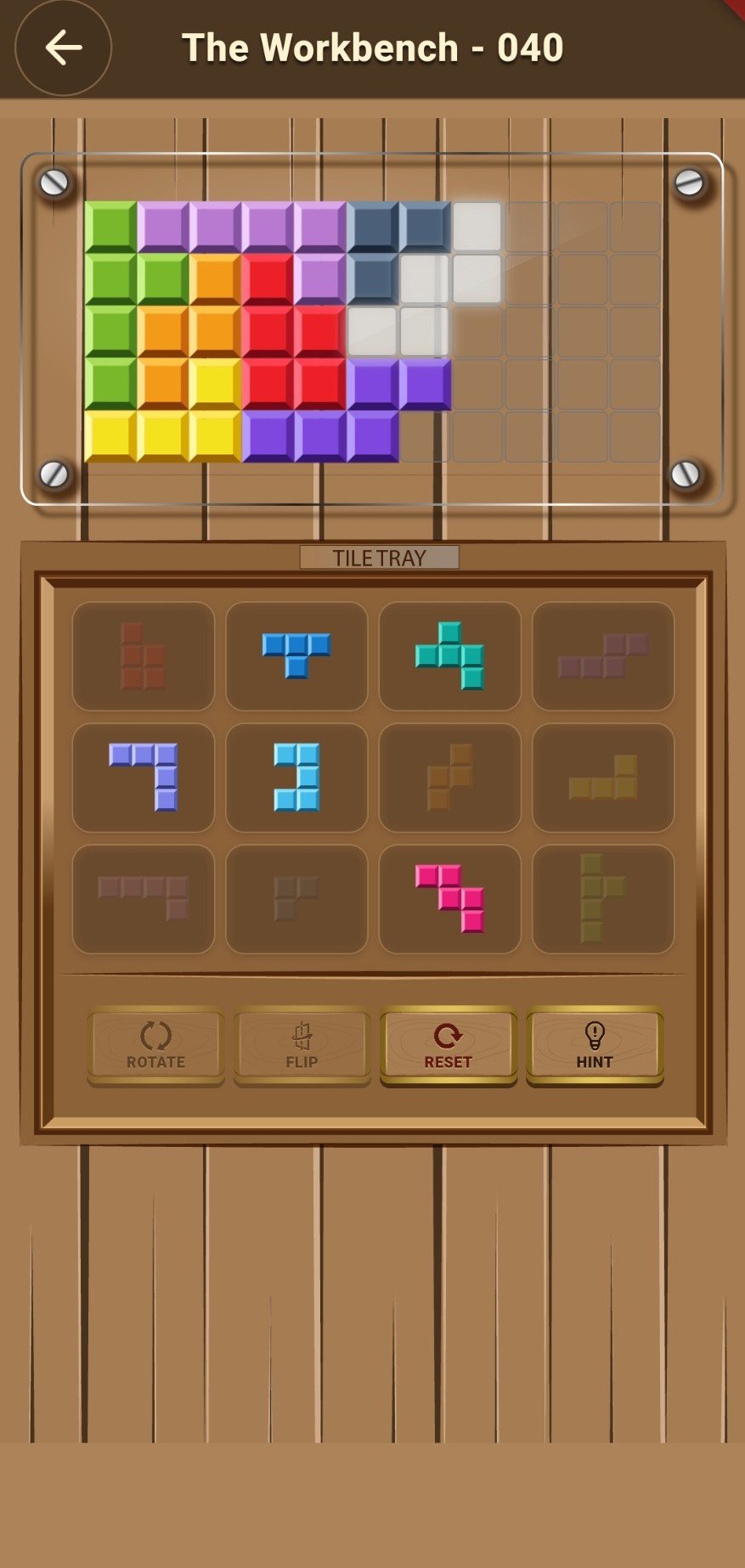
The preview helps you line up a tile before placing it on the board.
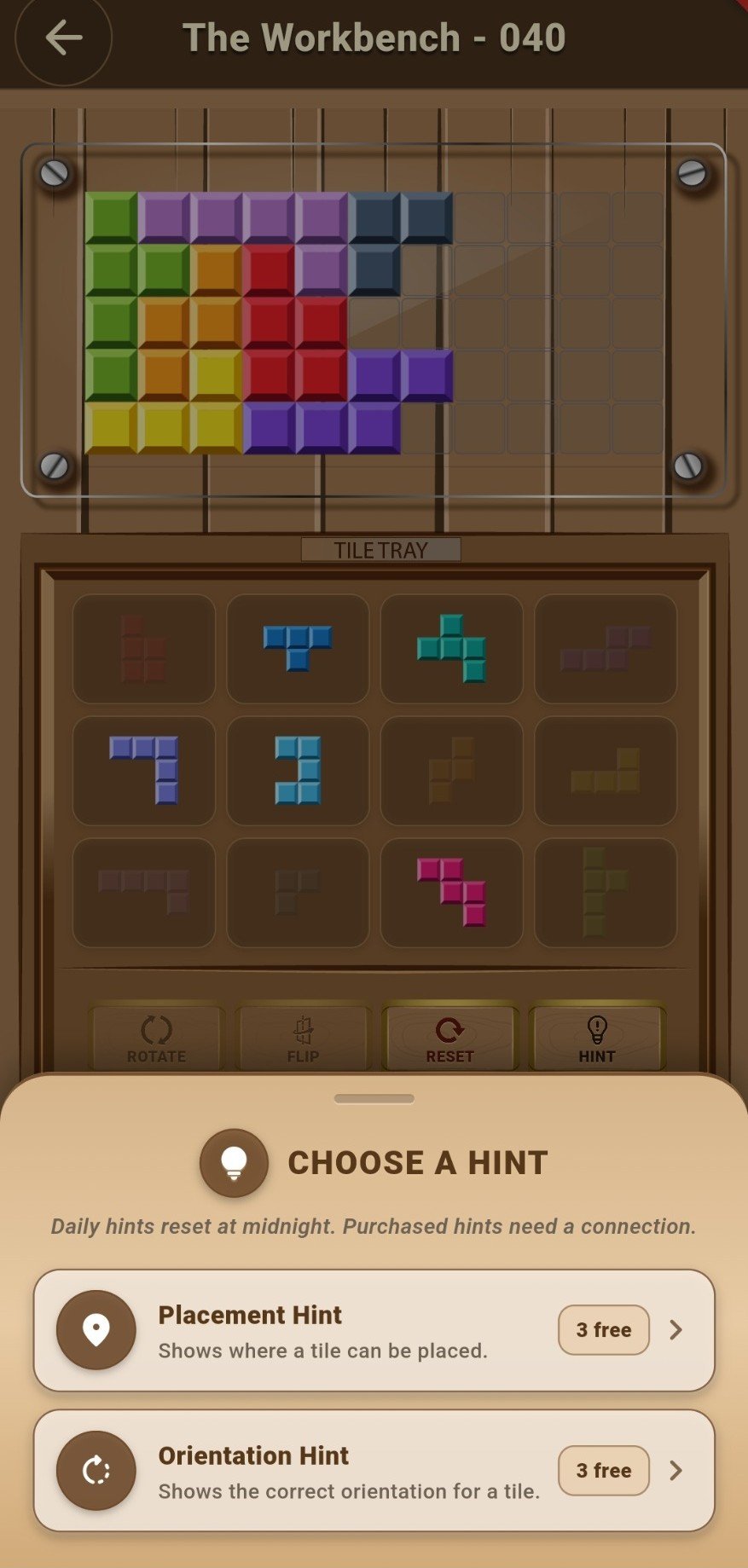
Placement and orientation hints are available when you want a little support.
For privacy enquiries or account deletion, use the dedicated links below. For gameplay and purchase questions, visit the support page.