How do I play?
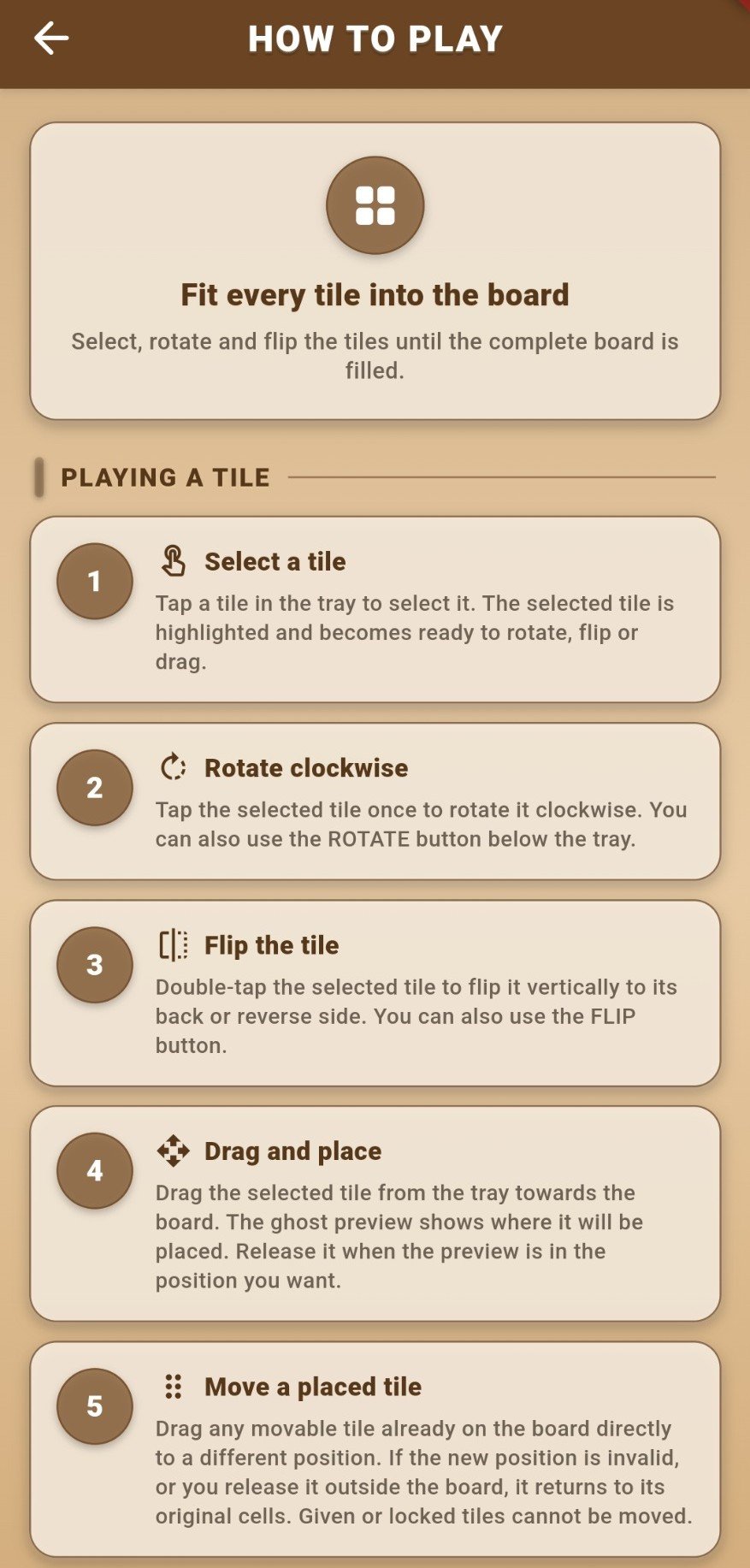
Select a puzzle piece, rotate or flip it if needed, and drag it to the matching playable cells on the board.
Open the full How to Play guideFind gameplay instructions and support information for BrickLock. Privacy and account-deletion enquiries can be sent to our dedicated privacy address.
Select a puzzle piece, rotate or flip it if needed, and drag it to the matching playable cells on the board.
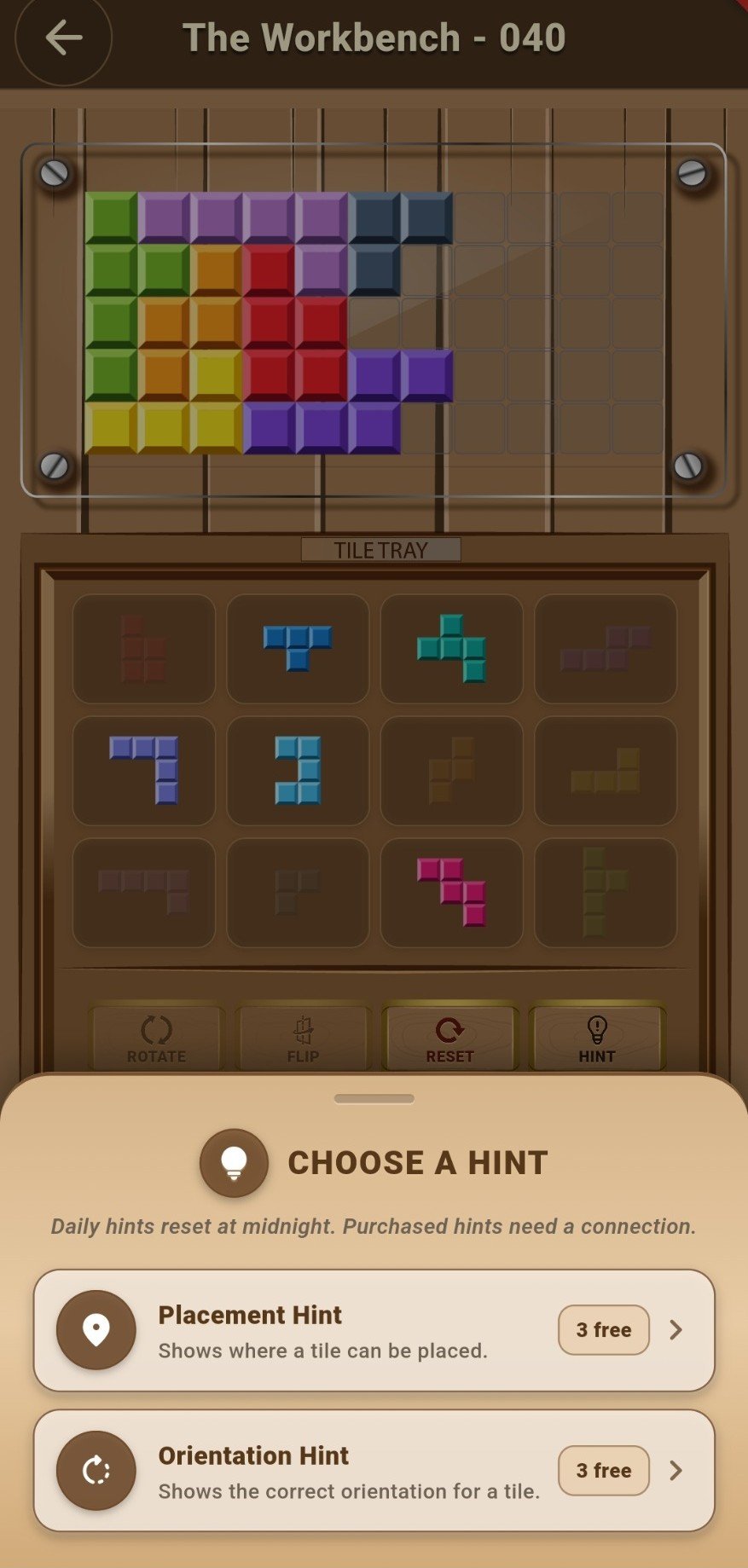
Open the full How to Play guideYes. BrickLock includes placement and orientation hint options to help when you're stuck.
Reset starts the current puzzle again. Review any confirmation shown in-game before proceeding.
Open Settings → Purchase Status to reach the BrickLock Store. You can buy hint packs, Remove Ads and the Walnut Reserve theme through Google Play.
For gameplay questions, account assistance, purchases and technical issues, email support-game@garmaak.co.uk.
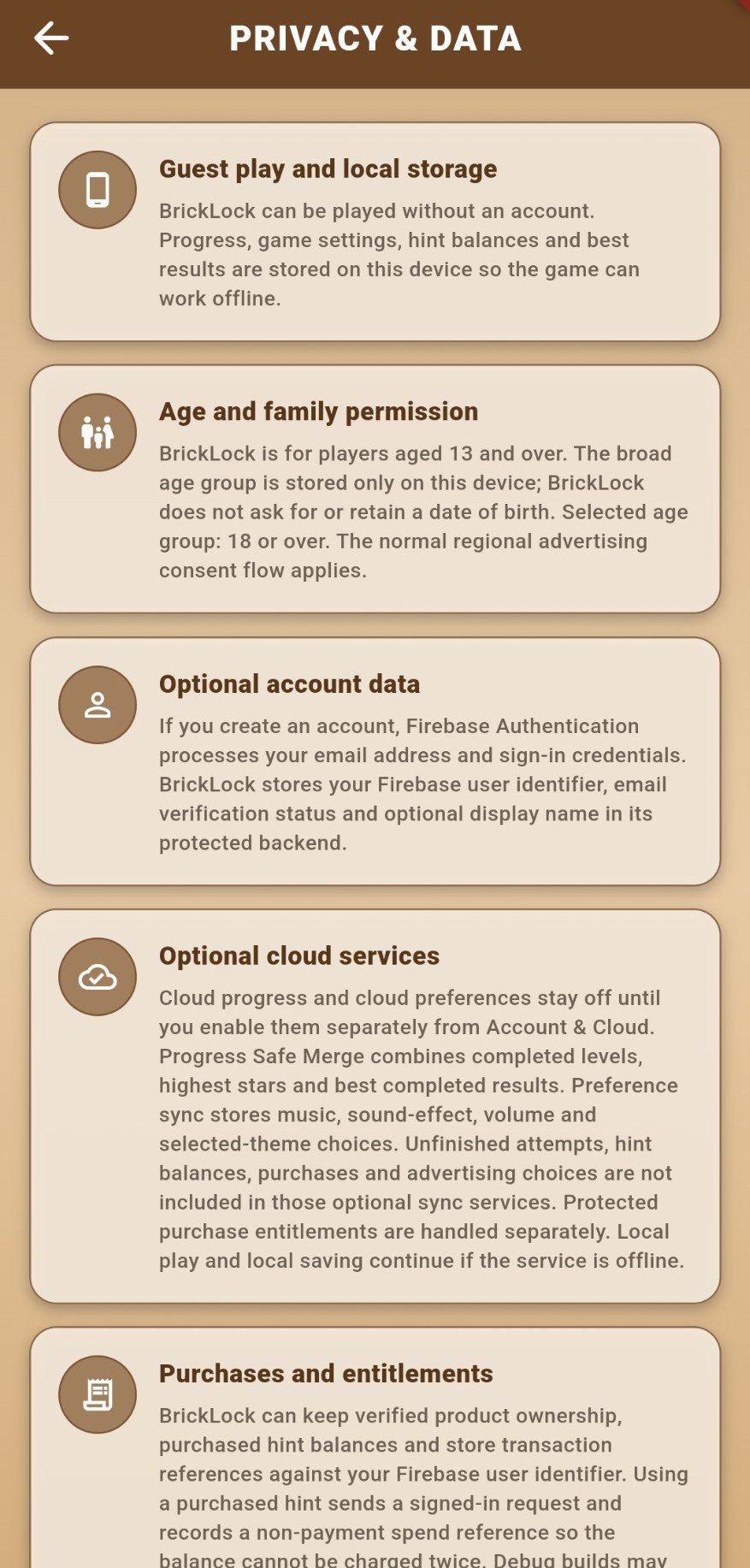
For privacy or account deletion requests, email privacy-game@garmaak.co.uk. Please never email your password or payment card details.
Read BrickLock’s policy documents or find instructions for deleting a BrickLock account.